A situation to work through
Start here
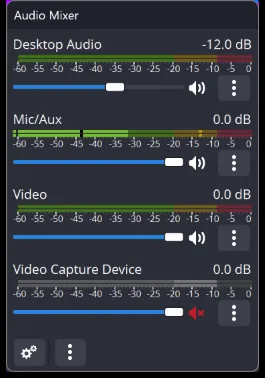
Plan what must be preserved in the recording, including audio paths and any scene transition crucial to the edit.
Make the decision
Make a representative sample and inspect picture, sound and file completion at the destination.
Check the result
Keep sufficient working space and an identifiable filename before starting a session that cannot be repeated easily.
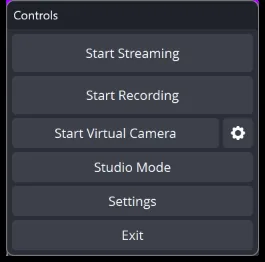
Treat the start and stop procedure as part of the production plan. Confirm the intended destination, record a short segment and stop normally before opening it. During a longer session, avoid interpreting an active timer as proof of a usable final file. After completion, check sound, framing and duration before clearing the setup or removing the source media needed to reproduce a problem.
A recording handoff: files, remuxing and project context
Before a recording leaves the production machine, confirm the file location, duration, picture and audio tracks. A scene collection describes how OBS creates the programme; it is not the recorded video. A profile holds output-related settings and does not package every media file used by the scenes. Give the editor the actual recording and the information needed to interpret its tracks.
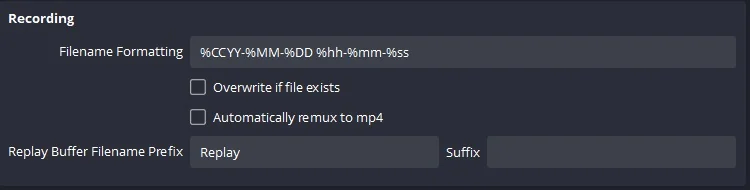
If the editor needs MP4 and the recording was saved in a compatible MKV format, OBS’s remux operation changes the container without a complete video re-encode. That is different from converting an unsupported codec. Keep the original recording until the handoff is checked. Images, videos and fonts referenced by a scene collection also need their own backup if the production setup is being moved to another machine.
Profiles, scene collections, plugins and releases
the published 32.2 and 32.2.2 release material includes source-dialog changes, hardware-driver requirements and plugin or operating-system compatibility details. An older plugin does not become compatible merely because OBS itself starts. Keep release information distinct from a workflow tutorial, and verify a backup before performing a major production-machine upgrade.
Prepare, transition and recover during a programme
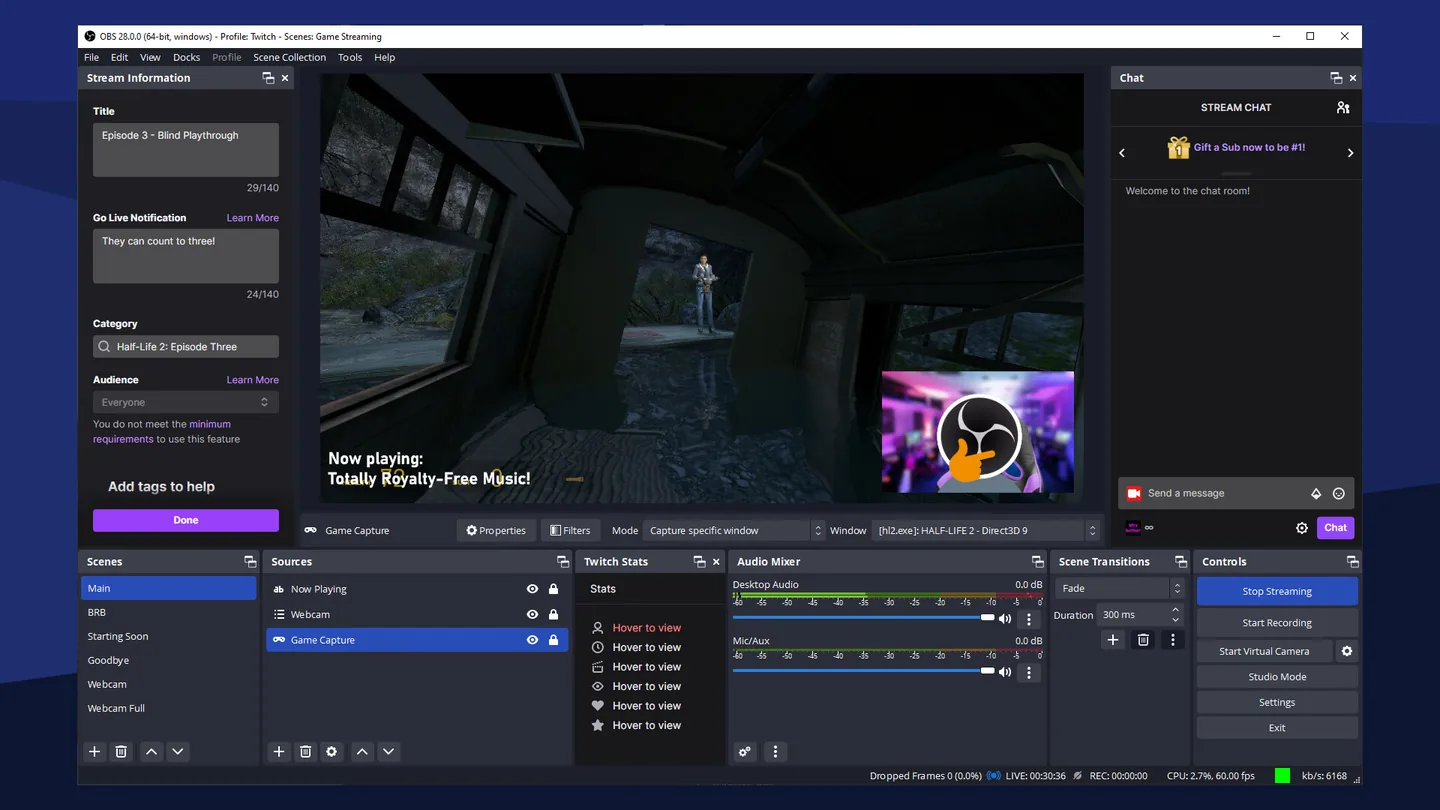
Create recognisable programme states such as Starting, Gameplay, Break and Ending. Reuse a source when scenes should share one device and its settings; create independent sources when behaviour must differ. Source order, transforms and locks help keep the picture deliberate during a live change.
Images and source context