A situation to work through
Start here
Ask which file format, resolution and audio separation the intended editor can actually use.
Make the decision
Record a sample with spoken track identification and inspect it in that editor before a long session.
Check the result
Handoff notes should describe verified contents and any missing segment, not merely the export settings selected.
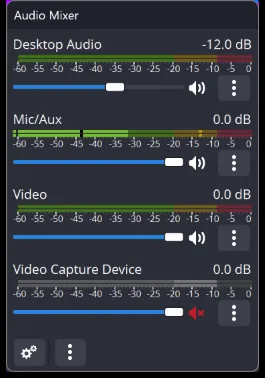
Agree what the editor needs before choosing tracks and file organisation. Make a test that contains every intended source, open it in the actual editing workflow and confirm that required tracks are accessible. Name the scene or session clearly and preserve the original recording. A handoff is not complete when the file merely exists; the recipient must be able to identify and use its contents.
A recording handoff: files, remuxing and project context
Before a recording leaves the production machine, confirm the file location, duration, picture and audio tracks. A scene collection describes how OBS creates the programme; it is not the recorded video. A profile holds output-related settings and does not package every media file used by the scenes. Give the editor the actual recording and the information needed to interpret its tracks.
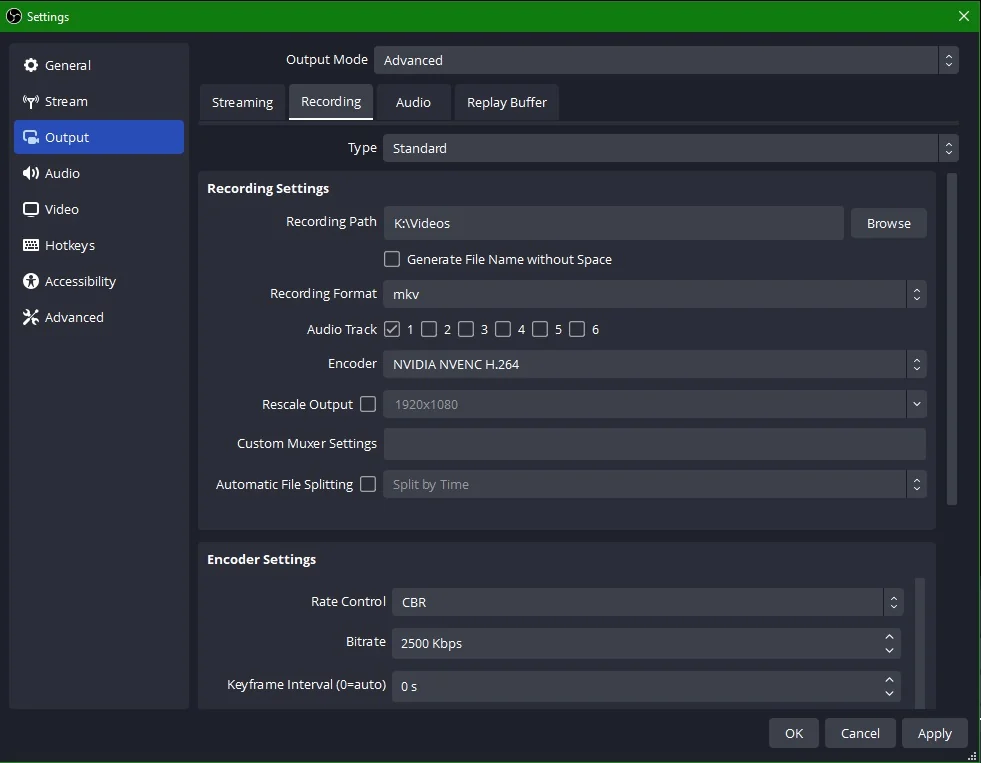
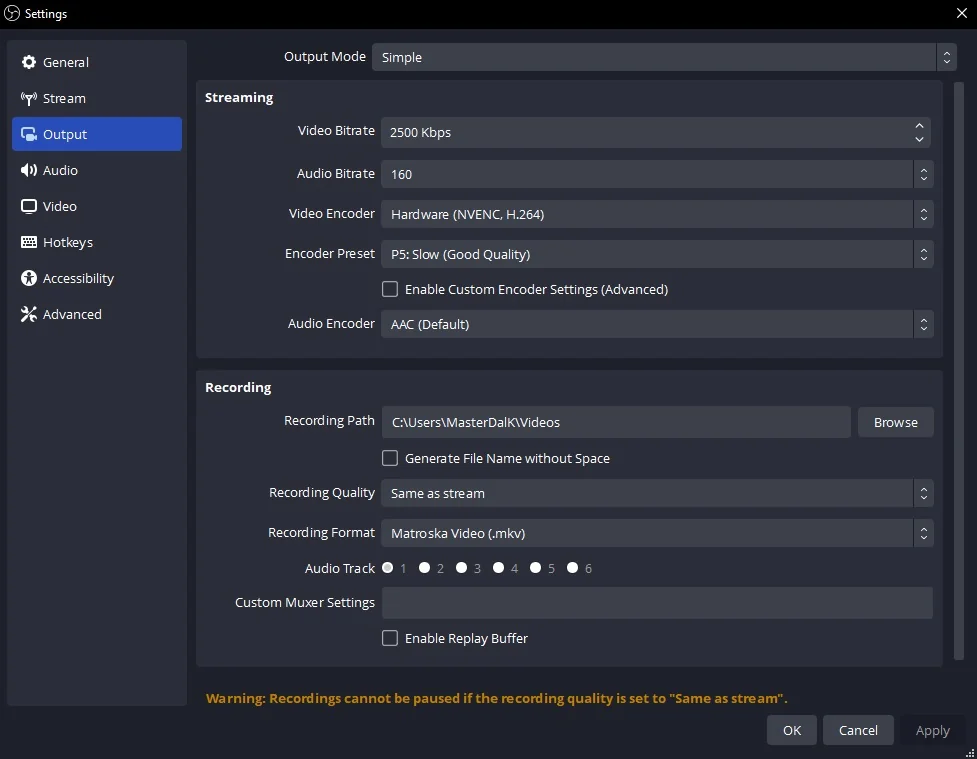
If the editor needs MP4 and the recording was saved in a compatible MKV format, OBS’s remux operation changes the container without a complete video re-encode. That is different from converting an unsupported codec. Keep the original recording until the handoff is checked. Images, videos and fonts referenced by a scene collection also need their own backup if the production setup is being moved to another machine.
Canvas, output size, encoder and container
A codec encodes the audio or video, while a container stores the streams in a file. MKV is a useful recording choice when resilience to an interrupted session matters; OBS can remux a compatible recording to MP4 afterward without doing a full quality-losing re-encode. Choose formats that the intended editor can read, and distinguish remuxing from transcoding.
Images and source context